Things to Bring
- Your 3D printer
- Power supply and any required cables
- Laptop with your slicer software installed
- Physical mouse (recommended)
- A sample of any failed prints (if available)
- Any spare parts you have already purchased
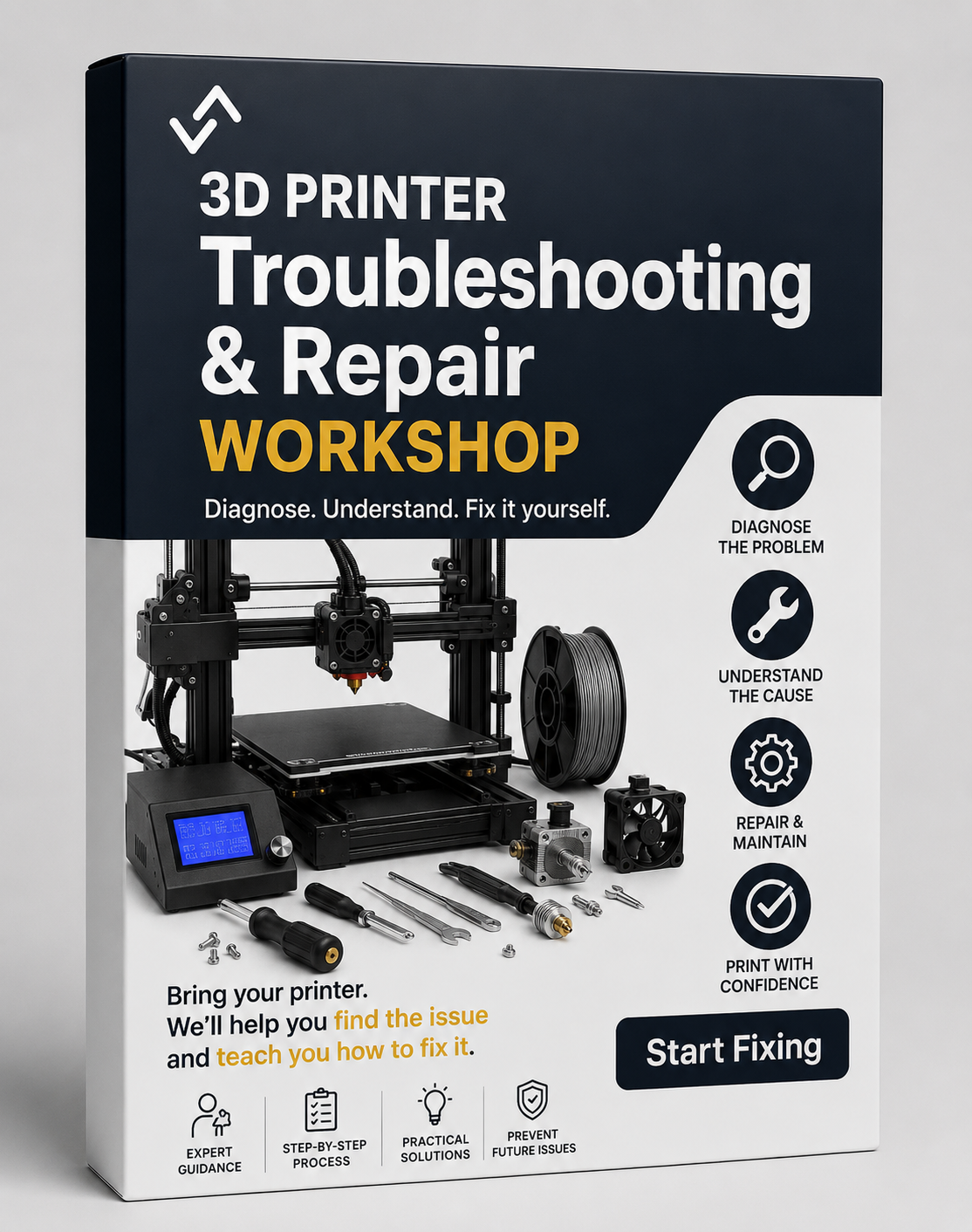
Is your 3D printer not performing the way it should?
Whether you're dealing with poor print quality, adhesion problems, clogging, calibration issues, strange noises, failed prints, or a machine that simply won't work, our Troubleshooting & Repair Workshop is designed to help you understand the problem and learn how to fix it yourself.
Rather than simply repairing the printer for you, we'll guide you through a professional diagnostic process so you gain the knowledge and confidence to maintain your machine in the future.
What You'll Learn
- How to correctly diagnose 3D printer faults
- Understanding the root cause of print failures
- Mechanical inspection procedures
- Electrical and wiring checks
- Firmware and software troubleshooting
- Slicer settings that commonly cause issues
- Preventative maintenance techniques
- How to identify worn or damaged components
- Repair planning and spare parts selection
- Testing and validation procedures after repairs
Damage Assessment Process
During the workshop we will perform a structured assessment of your printer, including:
- Visual inspection of the machine
- Review of failed prints and symptoms
- Mechanical system checks
- Motion system inspection
- Hotend and extrusion system assessment
- Bed levelling and calibration checks
- Electronics and wiring inspection
- Software and slicer configuration review
- Test prints to confirm findings
Common Problems We Can Help With
- First layer failures
- Poor bed adhesion
- Stringing and blobs
- Layer shifting
- Under-extrusion and over-extrusion
- Clogged nozzles
- Filament feeding issues
- Z-banding and surface quality problems
- Bed levelling issues
- Temperature errors
- Printer crashes and failed prints
- General maintenance concerns
Who Is This Workshop For?
- New printer owners
- Hobbyists wanting to learn repairs
- Schools and STEM programs
- Makerspace operators
- Small businesses using 3D printers
- Anyone tired of guessing what is wrong with their machine
By the end of the session, you'll have a clear understanding of your printer's condition, what repairs (if any) are required, and the skills needed to diagnose and solve many common problems yourself.
Don't just fix your printer—learn how it works.